

When a company decides to exhibit at a fair, conference, or other events, their real interest is to SELL, PROMOTE PRODUCTS AND SERVICES, PROSPECT CLIENTS; right?!
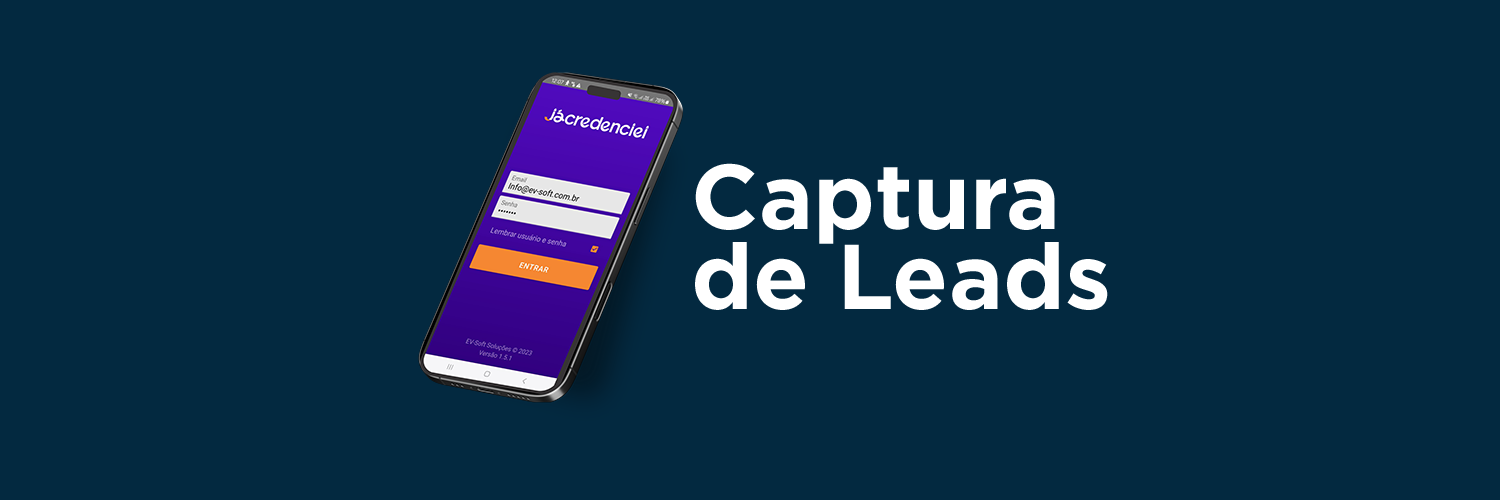
A tool that will greatly assist in this process is Lead Capture.
The exhibitor will have access to their future client's information simply, quickly, in the palm of their hand.
How does it work?
Through our app, the exhibitor will "read" the QRCODE of the visitor at their stand.
By doing this throughout the event, you will have your potential clients on your phone.

What are the app's features?
- jácredenciei app available for Android and IOS;
- Automatic (customized) email sending at the time of scanning;
- Lead Qualification: give 1 to 5 stars to the client according to their potential. You can also leave a small note like "send quote on Monday" or "client interested in machine X".
- Export of contact list in Excel. You can export it yourself through the app.
IMPORTANT: export the file and open it on a computer. Trying to open it on a phone will result in an error due to the Excel version.
NEW FEATURE: LEAD DRAW
Conduct activities at your stand using the Draw feature.
Get immediate access to the email and phone number of the winner.
You can also download the list in Excel.
Download the beta version now (Android only for now)
LEAD SCANNING VIA LINK
- If the client does not want or cannot download our application, we have the option of using it via a link.
Lead capture occurs in the same way, but through the link, some features such as star rating, notes, and list download are not available.
In this case, our team will provide the necessary support.
The lead spreadsheet will be sent shortly after the event.
HIRE NOW!
See the events available for hire below.
Step-by-step
- Choose the event below and click buy. There is no need to buy more than one unit.
- Create your account on jácredenciei;
- Choose the payment method: BANK SLIP, CREDIT CARD, PIX.
To generate a bank slip in the COMPANY NAME, simply provide the details before generating it.
- After payment confirmation, issue your RECEIPT. It is in your order.
- Now you can download the jácredenciei app, available on Android and IOS.
Important: our team needs to enable your login for the chosen event.
If you want to speed up the process, send a screenshot of the order to our WhatsApp (27) 3082-7792.
- If you need an INVOICE, send an email to [email protected] informing the COMPANY NAME, CNPJ (Brazilian company registration number), and ORDER NUMBER.
- Download the app to your phone. You can install the app on all sales team members at the stand with the same login. There is no limitation!
- The value below refers to ALL days of the event.
- To log into the app, use the SAME LOGIN you used to purchase.
Download for Android. For IOS, search for "jacredenciei" in the Apple store.
If you have a problem with the Android version, DOWNLOAD HERE.
How do I download the collected data?
- Click on the download button.
- The file is in the Downloads folder.
- Select the file and share it to your notebook or PC.
Do not try to open it on your phone as it may result in an error due to the Excel version.
Need app support?
Call our team on WhatsApp (27) 3082-7792.
Every event needs it.


